
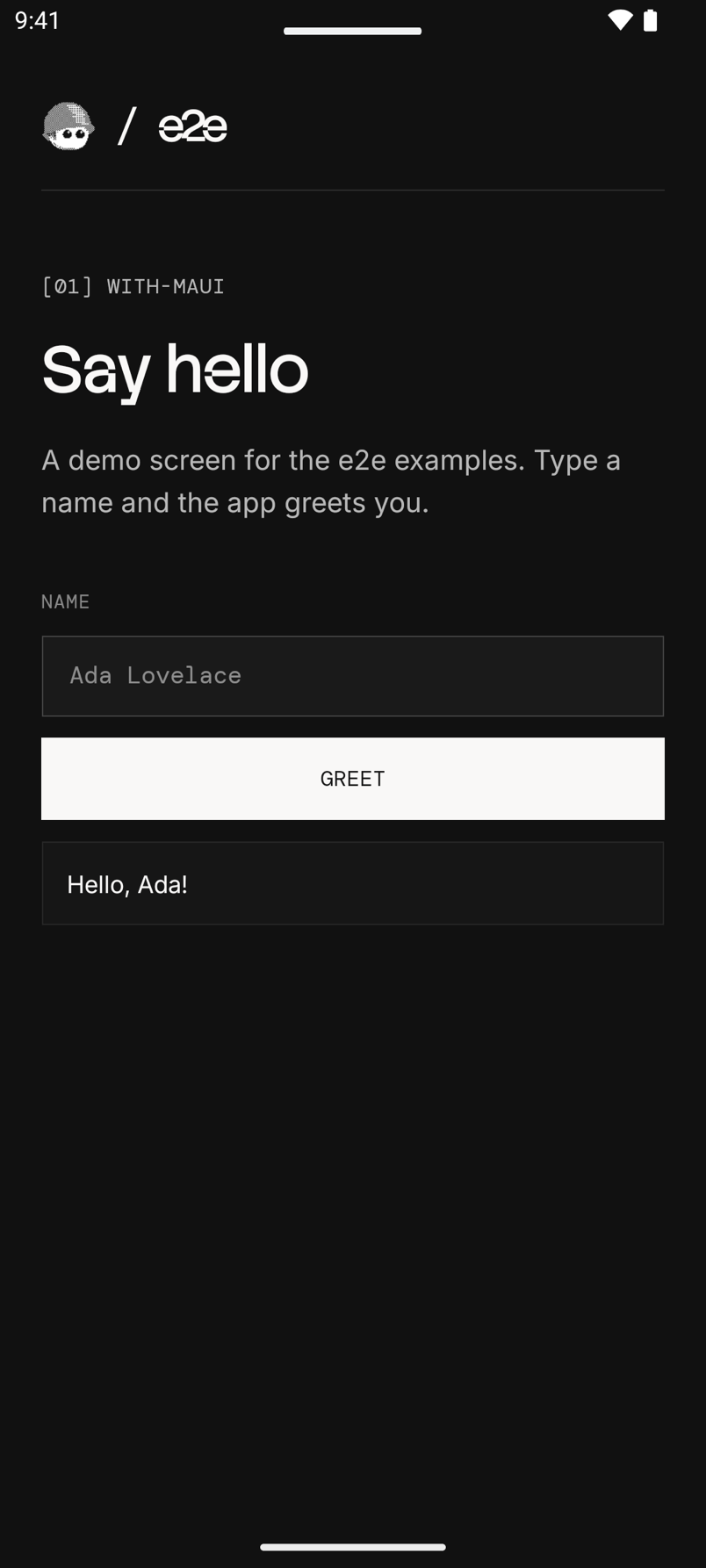
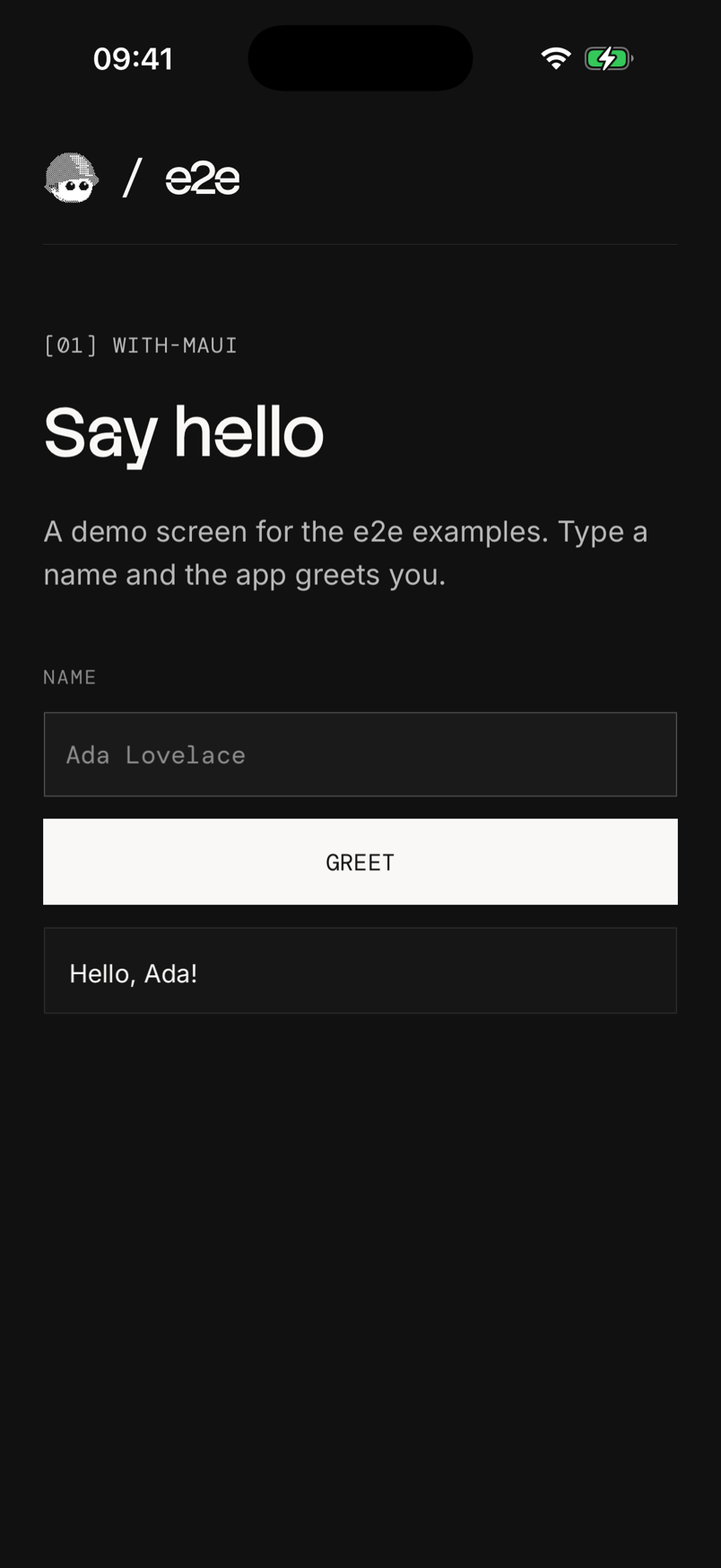
A .NET MAUI greeting app with three locator tests and two agent tests per
platform. Android and iOS share one page, MainPage.xaml. The test project
is in e2e/, next to the .NET project.
Run
Install the .NET 10 SDK and the
MAUI workload with dotnet workload install maui, or maui-android on
Linux, where the project builds for Android only. Add the Android SDK with
an emulator, Xcode with an iOS simulator, or both. Start an emulator or
simulator, then build and install the app from this folder:
| Platform | Build and install |
|---|---|
| Android | dotnet build -t:Install -f net10.0-android |
| iOS | dotnet build -f net10.0-ios -p:RuntimeIdentifier=iossimulator-arm64, then xcrun simctl install booted bin/Debug/net10.0-ios/iossimulator-arm64/WithMaui.app |
With more than one Android device running, add
-p:AdbTarget="-s <serial>"; adb devices lists the serials. On an Intel
Mac, use iossimulator-x64.
Use Node 22.22.3+, 24.8+, or 26+ for the tests. From this folder:
cd e2e
npm install
npx agent-device doctor
npm run test:e2e:android   # or test:e2e:ios
After app changes, build and install again before you run the tests.
Agent tests
Set a Vercel AI Gateway key.
From e2e/:
AI_GATEWAY_API_KEY="your-key" npm run test:e2e:androidWithout the key, the agent tests skip. Add -- --no-cache to use fresh
model calls. Results are in e2e/.e2e/report.json.
Notes for MAUI apps
getByTestIdfinds anAutomationId: the accessibility identifier on iOS. On Android, MAUI writes it as the resource iddev.e2e.examples.maui:id/<AutomationId>, andgetByTestId('greet')finds it without the package.- The placeholder is not a name. iOS takes the field's name from
SemanticProperties.Description. On Android, MAUI also writes the description into the field's text, so a filled field readsName, Ada. MainPage.xaml sets it on iOS only. - A Debug build for Android keeps its assemblies outside the APK (Fast
Deployment), and
app.clearState()deletes them with the app data. The app then exits at start. For tests that clear app data, build with-p:EmbedAssembliesIntoApk=true.
See e2e/e2e.config.ts and e2e/tests/ for the setup. For device setup and CI, see the Mobile guide.
The bundled fonts use the SIL Open Font License.
Last checked on 2026-10-17 with e2e 0.21.2, @e2e-dev/mobile 0.12.3, .NET SDK 10.0.201, and MAUI 10.0.20 on an Android 15 emulator and an iOS 26.4 simulator. Three locator tests passed on each; the agent tests skipped without a key.