A Compose Multiplatform greeting app with three locator tests and two agent
tests per platform. Android and iOS share one screen in shared/. The test
project is in e2e/, next to the Gradle project.
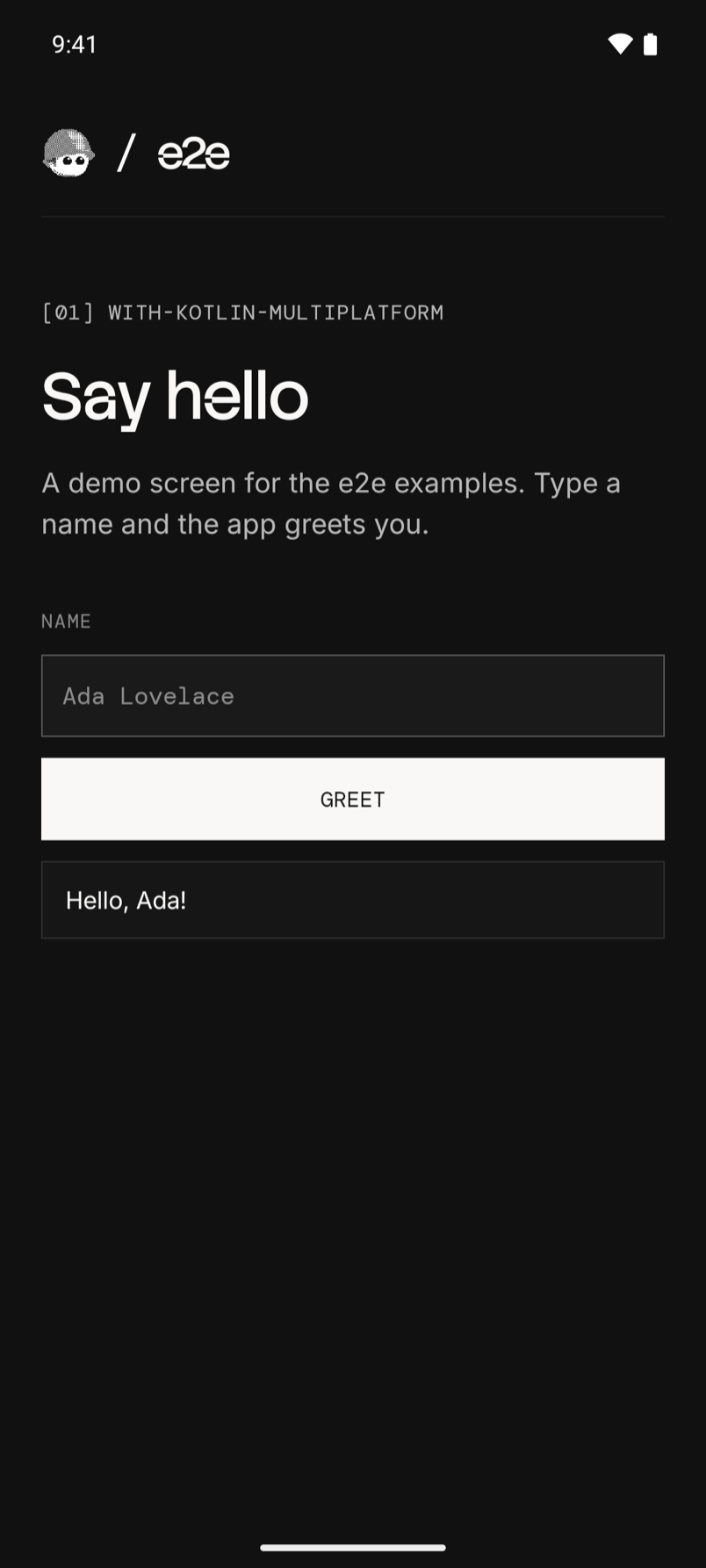
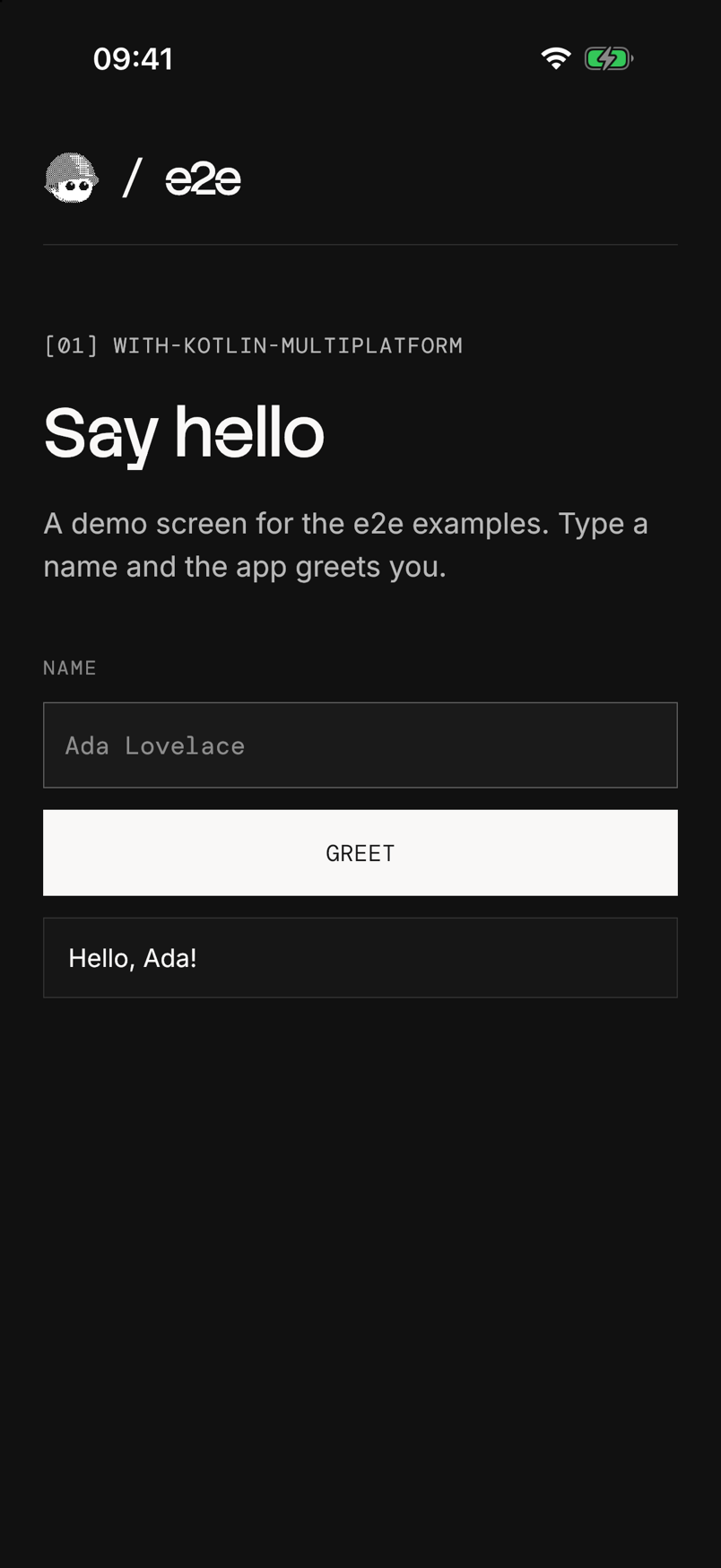
Run
Install Android Studio with an Android emulator, Xcode with an iOS simulator, or both. Start an emulator or simulator, then build and install the app:
| Platform | Build and install |
|---|---|
| Android | Open this folder in Android Studio, select the androidApp configuration, and press Run |
| iOS | Open iosApp/iosApp.xcodeproj in Xcode, select an iPhone simulator, and press Run |
The Xcode build compiles the shared Kotlin code through Gradle first, so the
first iOS build takes a few minutes. It uses JAVA_HOME, or Android
Studio's bundled JDK when that is unset. Stop the Xcode run before you
start the tests.
To build Android from a terminal instead, point Gradle at a JDK 17+ and the Android SDK. On macOS, Android Studio's defaults are:
export JAVA_HOME="/Applications/Android Studio.app/Contents/jbr/Contents/Home"
export ANDROID_HOME="$HOME/Library/Android/sdk"
./gradlew :androidApp:installDebug
Use Node 22.22.3+, 24.8+, or 26+ for the tests. From this folder:
cd e2e
npm install
npx agent-device doctor
npm run test:e2e:android   # or test:e2e:ios
After app changes, build and install again before you run the tests.
Agent tests
Set a Vercel AI Gateway key.
From e2e/:
AI_GATEWAY_API_KEY="your-key" npm run test:e2e:androidWithout the key, the agent tests skip. Add -- --no-cache to use fresh
model calls. Results are in e2e/.e2e/report.json.
getByTestId finds a Compose testTag: the accessibility identifier on
iOS, and the resource id on Android once
MainActivity.kt
sets testTagsAsResourceId. The screen is in
GreetingScreen.kt.
See e2e/e2e.config.ts and e2e/tests/ for the setup.
For device setup and CI, see the Mobile guide.
The bundled fonts use the SIL Open Font License.
Last checked on 2026-10-19 with e2e 0.21.2, @e2e-dev/mobile 0.12.3, Kotlin 2.4.20, Compose Multiplatform 1.12.1, and AGP 9.4.1 on an Android 16 emulator and an iOS 26 simulator. The three locator tests and the two agent tests passed on each.