
A Flutter greeting app with three locator tests and two agent tests per
platform. The test project is in e2e/, next to the Flutter project.
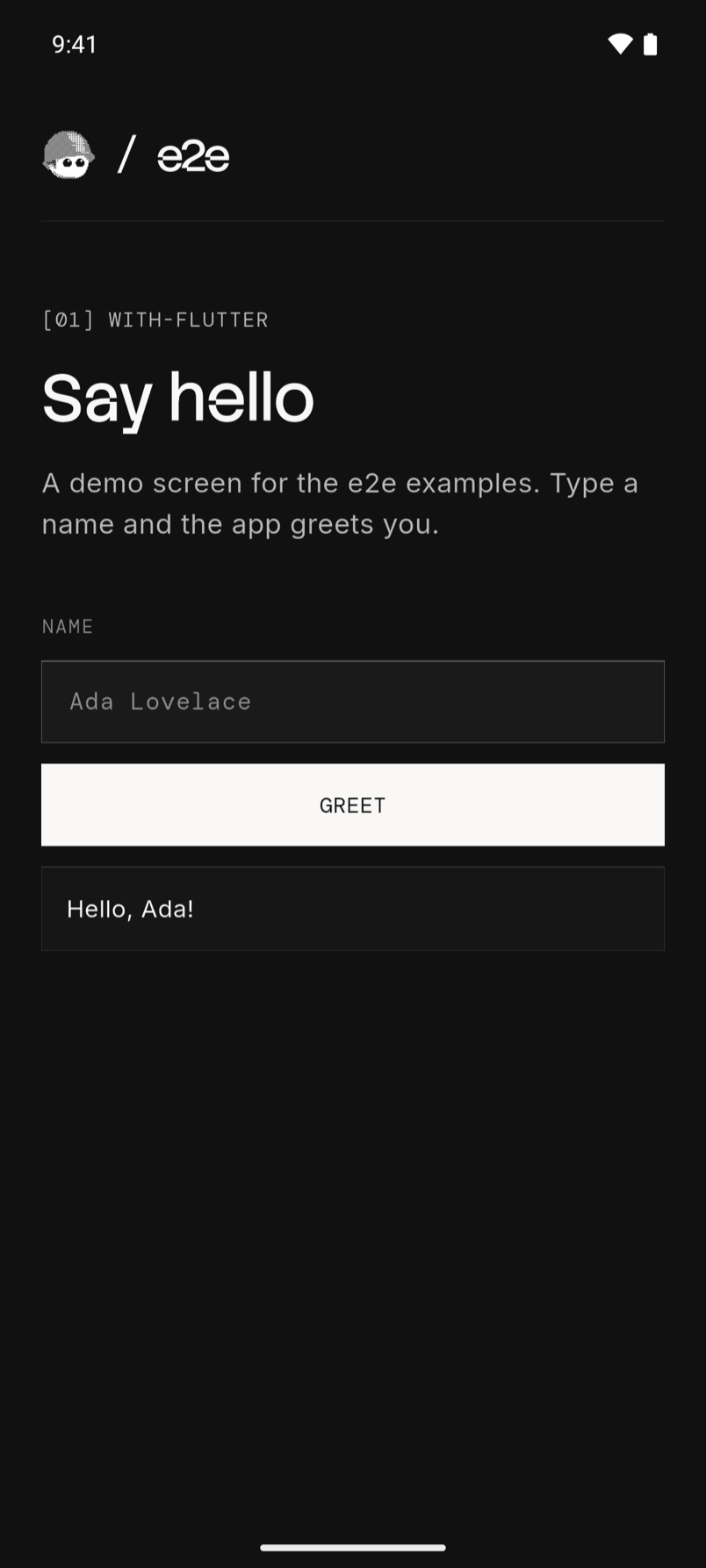
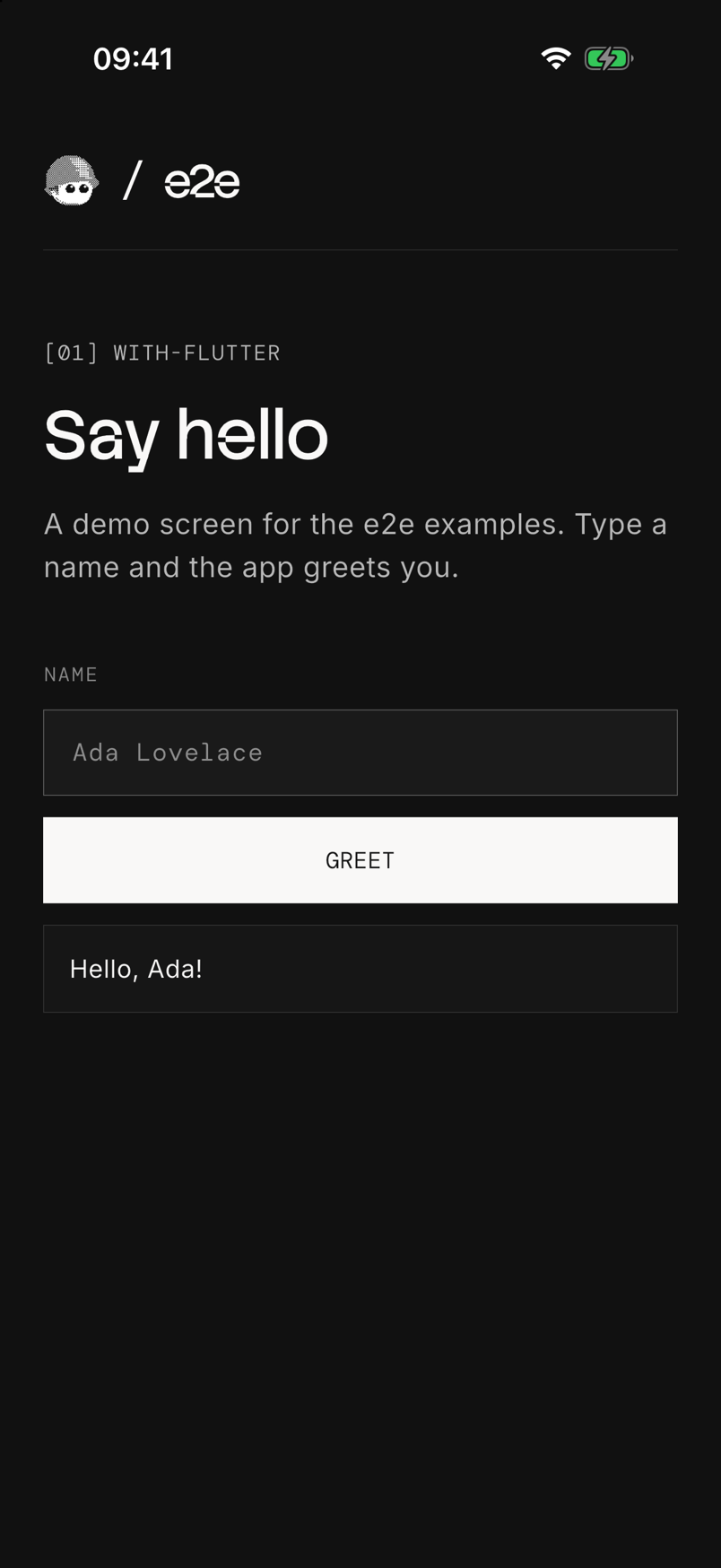
Run
Install Flutter with the Android SDK, Xcode, or both. Start an emulator or simulator, then build and install the app from this folder:
| Platform | Build | Install |
|---|---|---|
| Android | flutter build apk | flutter install |
| iOS | flutter build ios --simulator | flutter install |
With more than one device running, pick one with flutter install -d <id>;
flutter devices lists the ids.
Use Node 22.22.3+, 24.8+, or 26+ for the tests. From this folder:
cd e2e
npm install
npx agent-device doctor
npm run test:e2e:android   # or test:e2e:ios
After app changes, build and install again before you run the tests.
Agent tests
Set a Vercel AI Gateway key.
From e2e/:
AI_GATEWAY_API_KEY="your-key" npm run test:e2e:androidWithout the key, the agent tests skip. Add -- --no-cache to use fresh
model calls. Results are in e2e/.e2e/report.json.
getByTestId finds the identifier of a Semantics widget: the resource id
on Android, the accessibility identifier on iOS. See lib/main.dart.
See e2e/e2e.config.ts and e2e/tests/ for the setup.
For device setup and CI, see the Mobile guide.
The bundled fonts use the SIL Open Font License.
Last checked on 2026-10-19 with e2e 0.21.2, @e2e-dev/mobile 0.12.3, and Flutter 3.47 on an Android 16 emulator and an iOS 26 simulator. The three locator tests and the two agent tests passed on each.