
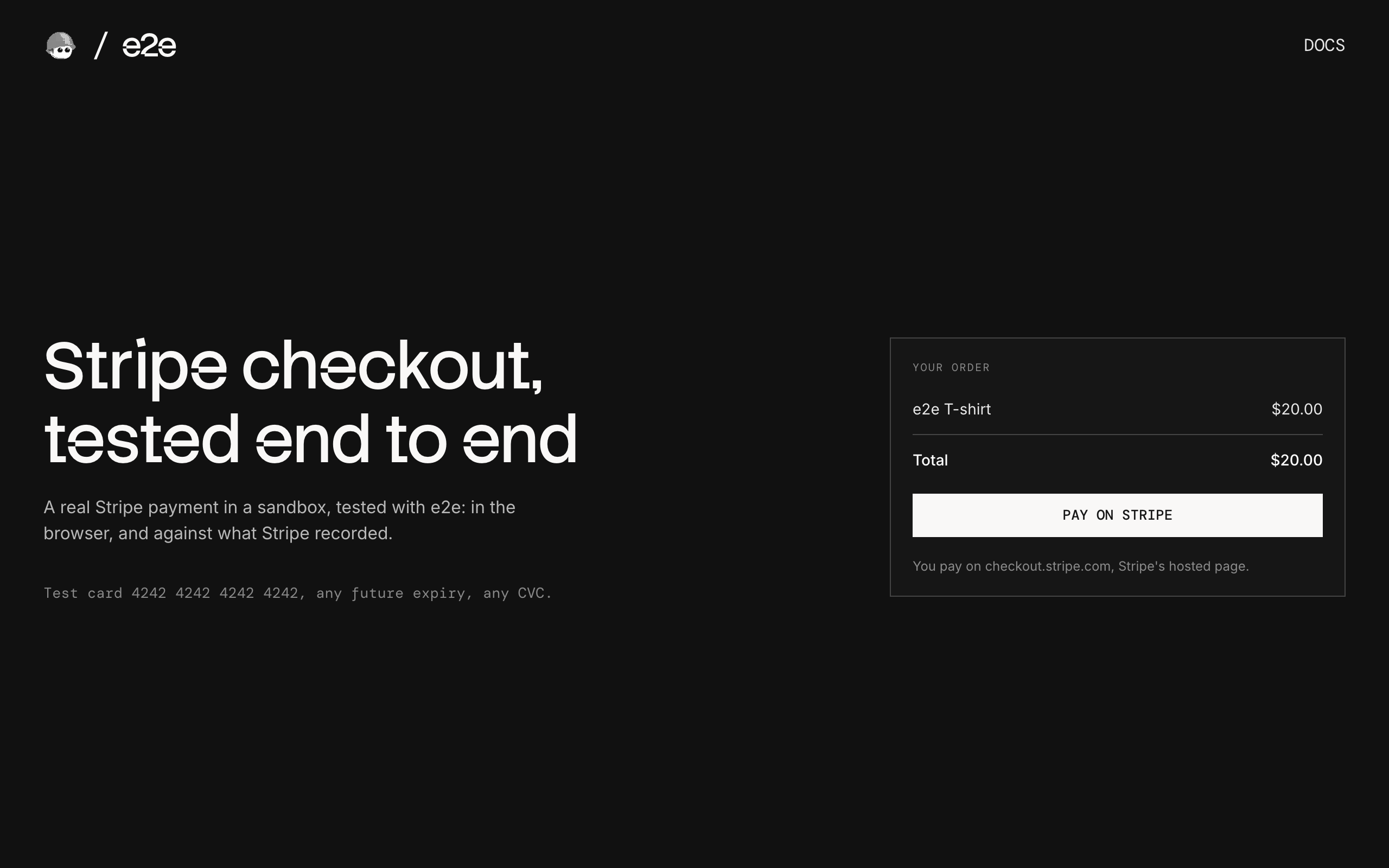
A checkout that takes real Stripe payments in a sandbox, used as an example of end-to-end testing a payment page you don't own with e2e.
How it works
The checkout uses Stripe's hosted page, the flow Stripe recommends:
- Checkout (
app/page.tsx) shows the order and a Pay on Stripe button. POST /checkout(app/checkout/route.ts) creates a Stripe Checkout Session and redirects tocheckout.stripe.com.- Return page (
app/return/page.tsx) asks Stripe whether the session is paid and shows the result.
The amount comes from the server, and the return page checks with Stripe instead of trusting the URL. There is no Stripe.js and no database: the Checkout Session is the only state.
Test cards
| Card number | Result |
|---|---|
4242 4242 4242 4242 | Paid |
4000 0000 0000 0002 | Declined |
4000 0027 6000 3184 | Asks for 3D Secure |
4000 0025 0000 3155 | Asks for 3D Secure |
Use any future expiry date and any CVC.
Getting started
npm install
npm run dev
Open http://localhost:3000.
Stripe key
Everything runs in a free Stripe sandbox. Create one at dashboard.stripe.com/sandboxes, copy .env.example to .env.local, and set STRIPE_SECRET_KEY to the sandbox's secret key (sk_test_…) from dashboard.stripe.com/apikeys.
End-to-end tests
The tests in tests/hosted.e2e.ts pay on Stripe's real page: a valid card, a declined card, 3D Secure completed and failed, and backing out. They combine exact locators on our pages with agent.act / agent.assert steps on Stripe's page, then check what Stripe recorded through its API. Stripe's checkout has anti-bot protection, and Stripe doesn't promise that test scripts can drive it, so a failed test runs up to two more times before it counts as failed.
The agent model goes through the Vercel AI Gateway, so set AI_GATEWAY_API_KEY (or link a Vercel project). Then, with the dev server running:
npm run test:e2eTo test a different URL, set APP_URL. Configuration lives in e2e.config.ts.
Scripts
| Command | Description |
|---|---|
npm run dev | Start the dev server |
npm run build | Build for production |
npm run lint | Run ESLint |
npm run format | Format with Prettier |
npm run test:e2e | Run the e2e tests |

