
A checkout that takes real Paddle payments in a sandbox, used as an example of end-to-end testing a payment page you don't own with e2e.
How it works
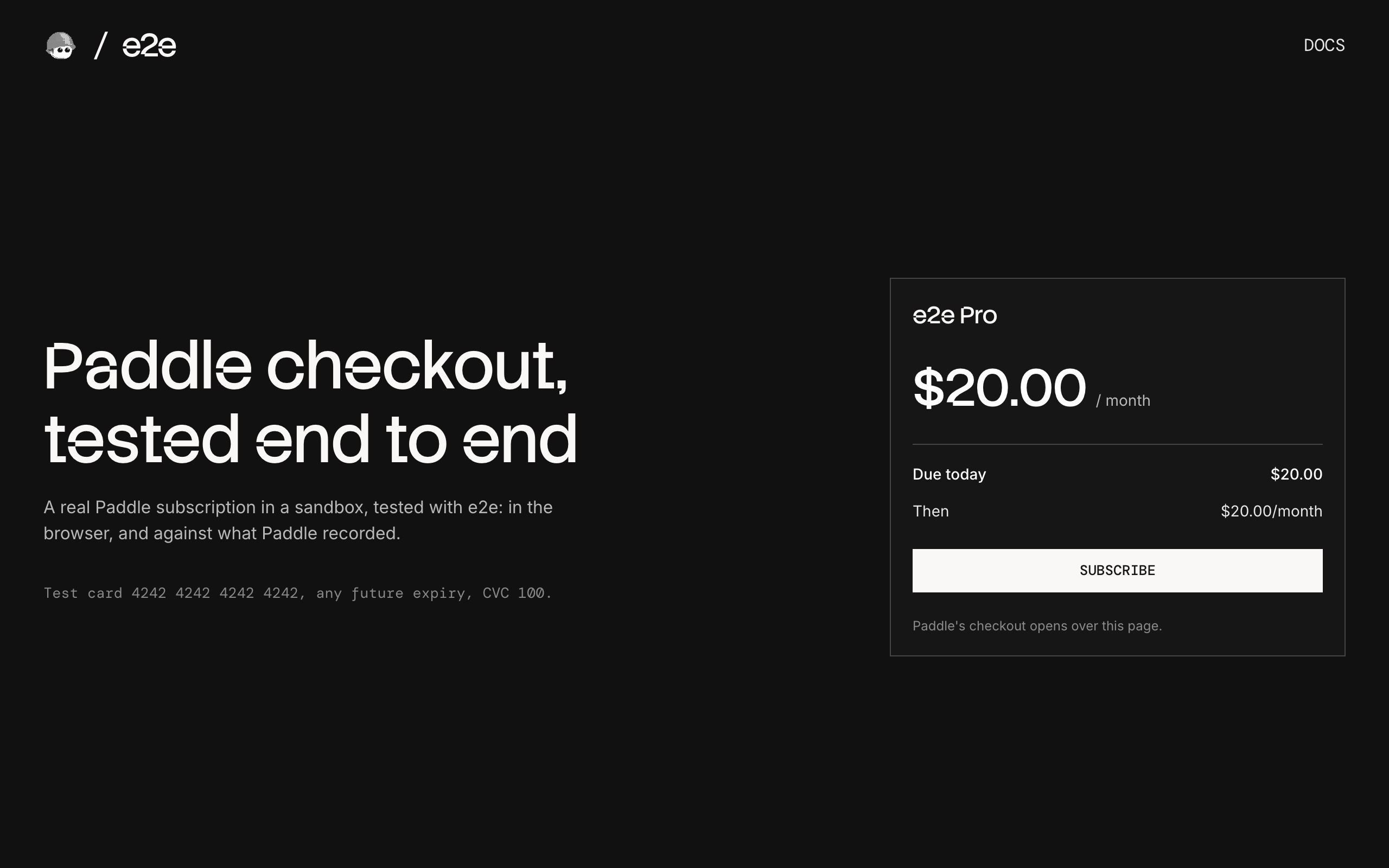
The checkout sells one monthly subscription with Paddle's overlay checkout, the flow Paddle recommends: Paddle's checkout opens in an iframe over our page, and the shopper pays there.
- Checkout (
app/page.tsx,components/plan-checkout.tsx) shows the plan and a Subscribe button, and opens Paddle's checkout with Paddle.js. POST /checkout(app/checkout/route.ts) creates a Paddle transaction for the plan.- Return page (
app/return/page.tsx) asks Paddle for the transaction and the subscription it created, and shows the result.
The price comes from the server and is described inline with the transaction, so a fresh sandbox needs no products or prices; a real app would use a price from its catalog. The return page checks with Paddle instead of trusting the URL, and there is no database: Paddle holds the state.
Test cards
| Card number | Result |
|---|---|
4242 4242 4242 4242 | Subscribes |
4000 0000 0000 0002 | Declined |
4000 0038 0000 0446 | Asks for 3D Secure |
Use any name, any future expiry date, and CVC 100.
Getting started
npm install
npm run dev
Open http://localhost:3000.
Paddle sandbox
Everything runs in a free Paddle sandbox. Sign up at sandbox-vendors.paddle.com, then:
- Create an API key (
pdl_sdbx_apikey_…) under Developer tools → Authentication → API keys, with read and write access to transactions and subscriptions. - Create a client-side token (
test_…) on the same page. - Set a default payment link under Checkout → Checkout settings. Paddle creates no transactions until one is set, and it must be an
httpsURL, sohttp://localhost:3000won't do. AnyhttpsURL works: this checkout never opens the link.
Copy .env.example to .env.local and set PADDLE_API_KEY and NEXT_PUBLIC_PADDLE_CLIENT_TOKEN.
End-to-end tests
The tests in tests/overlay.e2e.ts pay in Paddle's real checkout: a subscription that starts, a declined card, 3D Secure completed and failed, and closing the checkout. The agent fills in and clicks through Paddle's checkout with agent.act, and checks it with agent.assert; our own pages use exact locators. Each test then checks what Paddle recorded through its API, the transaction and the subscription, and cancels any subscription it started. A failed test runs up to two more times before it counts as failed.
The agent model goes through the Vercel AI Gateway, so set AI_GATEWAY_API_KEY (or link a Vercel project). Then, with the dev server running:
npm run test:e2eTo test a different URL, set APP_URL. Configuration lives in e2e.config.ts.
Scripts
| Command | Description |
|---|---|
npm run dev | Start the dev server |
npm run build | Build for production |
npm run lint | Run ESLint |
npm run format | Format with Prettier |
npm run test:e2e | Run the e2e tests |

