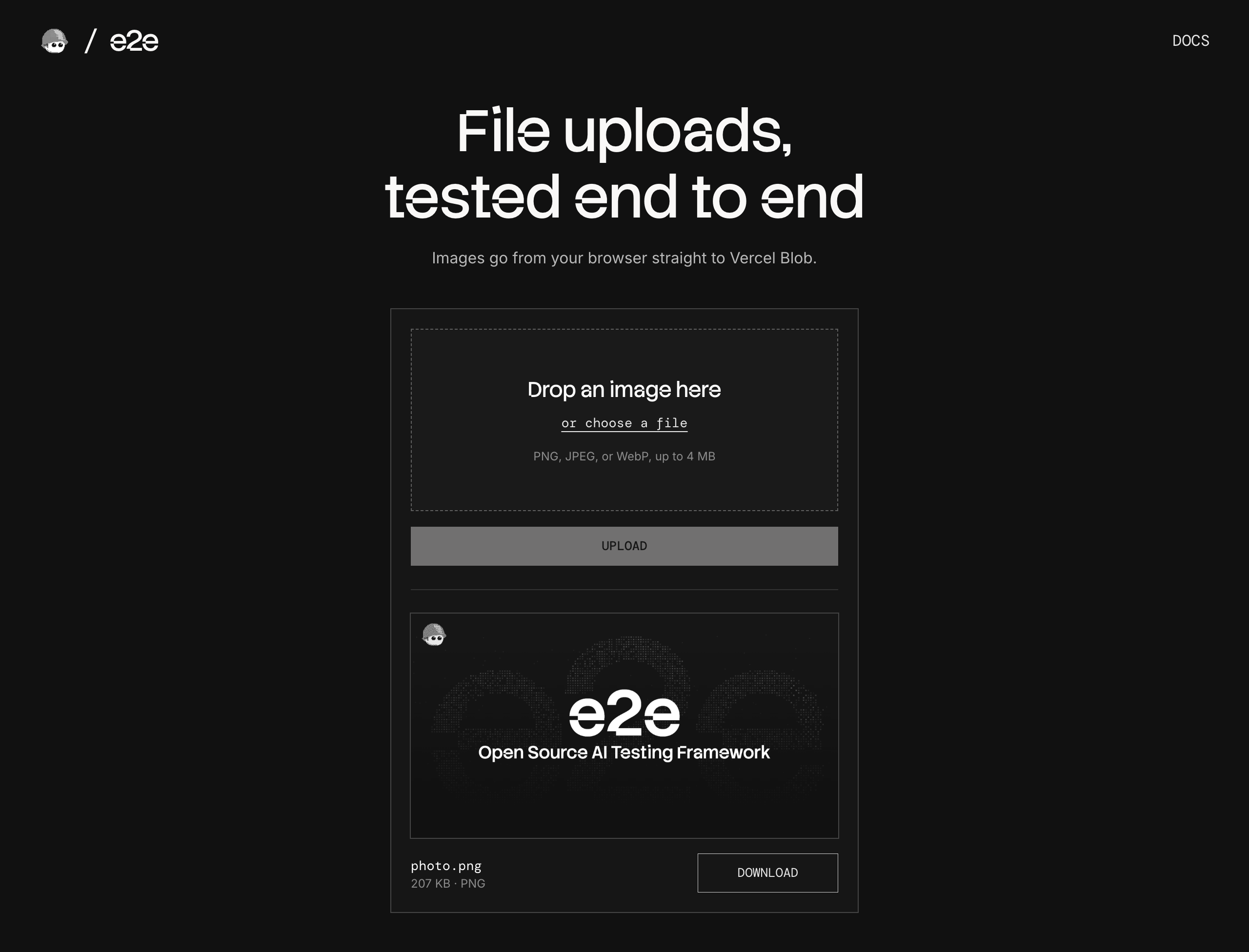
An image upload to Vercel Blob, used as an example of end-to-end testing file uploads, drag-and-drop, and downloads with e2e.
How it works
- Upload panel (
components/uploader.tsx) takes an image from the file picker or a drop, and checks its type and size before anything is sent. POST /api/upload(app/api/upload/route.ts) gives the browser a short-lived upload token with the same limits, and the browser sends the file straight to a private Vercel Blob store.GET /api/files/…(app/api/files/[...pathname]/route.ts) streams the stored file back for the preview and the Download button.
The page takes PNG, JPEG, and WebP images up to 4 MB (lib/files.ts). There is no database: Blob holds the files. The upload route has no sign-in, so don't deploy it as it is.
Test files
| File | Result |
|---|---|
tests/files/photo.png | Uploaded |
tests/files/invoice.pdf | Refused: not a PNG, JPEG, or WebP image |
| A 5 MB PNG the test writes | Refused: over 4 MB |
Getting started
npm install
npm run dev
Open http://localhost:3000.
Vercel Blob store
Uploads go to your own Blob store. In the Vercel dashboard, open Storage → Create → Blob and pick Private access. Copy .env.example to .env.local and set BLOB_READ_WRITE_TOKEN to the store's read-write token from its settings. Blob is free on the Hobby plan within its monthly allowance.
End-to-end tests
tests/upload.e2e.ts uploads to the real store. The agent uploads photo.png with one goal, "upload the image tests/files/photo.png", and a screenshot check confirms the preview. The other tests use locators: the download has the same SHA-256 as the file and as the stored blob, a file named café menu #1 (100%).png keeps its name, a dropped file gives the same card as the picker, and Node calls the upload route directly to show that Blob refuses a 5 MB image and a PDF even when the page's checks are skipped. Each test checks the stored file through Blob's API and deletes what it uploaded.
e2e can't drag a file from the desktop, so the drop test builds the File in the page and sends the events a real drop sends. tests/home.e2e.ts checks the page's own refusals and a failed upload with locators only, and needs no keys.
The Blob tests need BLOB_READ_WRITE_TOKEN. The agent's model goes through the Vercel AI Gateway, so also set AI_GATEWAY_API_KEY (or link a Vercel project). Then, with the dev server running:
npm run test:e2eTo run only the Blob tests, add --tag blob. To test a different URL, set APP_URL.
Scripts
| Command | Description |
|---|---|
npm run dev | Start the dev server |
npm run build | Build for production |
npm run lint | Run ESLint |
npm run format | Format with Prettier |
npm run test:e2e | Run the e2e tests |