
An Expo app with five e2e tests by TesterArmy. The tests run on the simulator on your computer, on Expo Simulators with no Mac or Android SDK, and in EAS Workflows on every pull request.
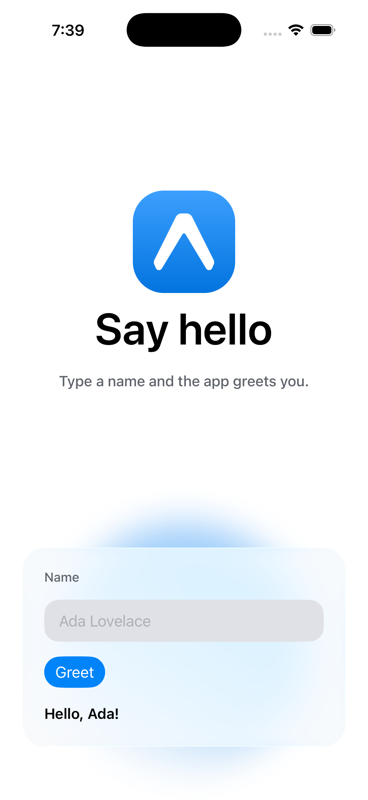
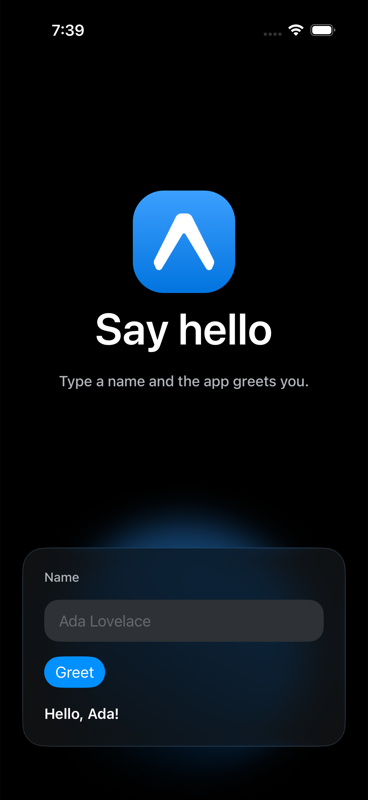
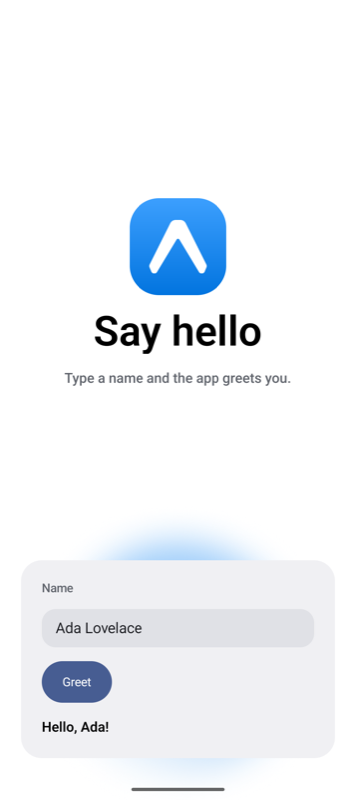
The form uses Expo UI universal components, so the tests drive SwiftUI on iOS and Jetpack Compose on Android instead of React Native views.
Launch your own

🚀 How to use
npx create-expo --example with-e2e
cd with-e2e
Use Node 22.12 or later. The app needs a build. Expo Go does not run it.
Run the tests on your computer
| Platform | Build and install | Run the tests |
|---|---|---|
| iOS | npm run ios:release | npm run test:e2e:ios |
| Android | npm run android:release | npm run test:e2e:android |
| Web | npx playwright install chromium once. The runner starts Expo. | npm run test:e2e:web |
For native builds, follow Expo's setup guide. Start a simulator or emulator before you build. Rebuild after app changes. Results are in .e2e/report.json.
Run the tests on Expo Simulators
Expo Simulators is in limited access. Check your account:
npx eas-cli@latest simulator:availabilityLink the project and make a simulator build with the e2e profile:
npx eas-cli@latest init
npx eas-cli@latest build --platform ios --profile e2e
Then run the suite with the build id. The provider leases a hosted simulator, EAS installs the build on it, and the tests drive it:
E2E_IOS_BUILD_ID=<build id> npm run test:e2e:iosAndroid works the same way with --platform android and E2E_ANDROID_BUILD_ID. The provider authenticates with EXPO_TOKEN or your eas login. Each session takes about three minutes to start and counts toward your account's limits. See e2e's EAS Simulators guide for the options.
Run the tests in EAS Workflows
.eas/workflows/e2e.yml builds the app for iOS and Android, then runs the suite on Expo Simulators from Linux runners. It runs on every pull request and on pushes to main.
One-time setup:
- Connect the GitHub repository to the EAS project.
- Add
EXPO_TOKEN, a robot token with access to the project, as a secret in thepreviewEAS environment. - Optional: add
AI_GATEWAY_API_KEYto the same environment to run the agent tests.
Run it by hand:
npx eas-cli@latest workflow:run .eas/workflows/e2e.ymlThe tests
tests/deterministic.e2e.ts finds elements by testID and checks the greeting and the empty-name error. tests/agentic.e2e.ts gives an agent a goal in plain language, then checks the result with a locator. The agent tests need a Vercel AI Gateway key. Without it, they skip:
AI_GATEWAY_API_KEY="your-key" npm run test:e2e:iosCoding agents: read AGENTS.md before changing the screen or the tests.
📝 Notes
- Using e2e by TesterArmy
- Expo Simulators
- EAS Workflows
- Expo UI and Liquid Glass
- Expo skills for coding agents
Last checked on 2026-10-29 with Expo SDK 58.
